
Juris Learns How Your Firm Works
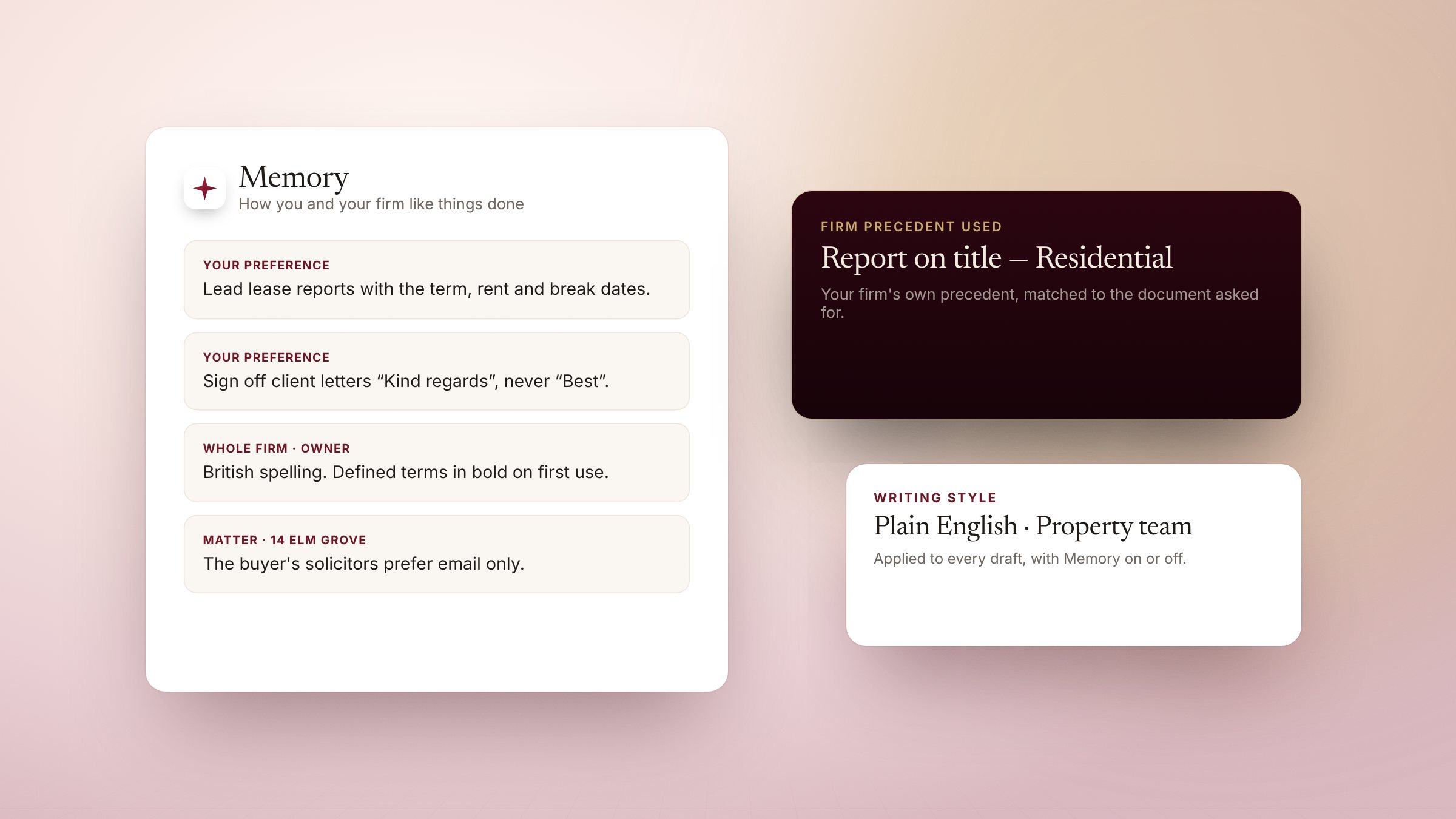
Juris learns your preferences from the way you work, and you can see, edit or forget each one.
A new trainee spends months learning how a firm likes things done. Juris picks it up as you work — and shows you exactly what it has learned.
Memory you can see
After a conversation, Juris notes preferences worth keeping — “lead lease reports with the term, rent and break dates” — and applies them next time, in chat, in Word, in Outlook and in agents. Every memory is listed on the Memory page, where you can edit or forget it. Whole-firm memory is the firm owner's alone; matter notes apply only to that matter. Memory can be turned off for any message.
Your precedents, not a generic template
Add your firm's precedents and Juris recognises around sixty kinds of document in England & Wales — a report on title, a letter before claim, a Form E. Ask for one and Juris drafts from your precedent and says which it used. With no precedent, it follows that document's essential checklist or prescribed form.
Writing in your voice
Create a writing style — paste or upload your style guide — and choose it from the composer. It is applied on the server to every draft, whether Memory is on or off.