
Time Recording, Built Into Every Matter and Chat
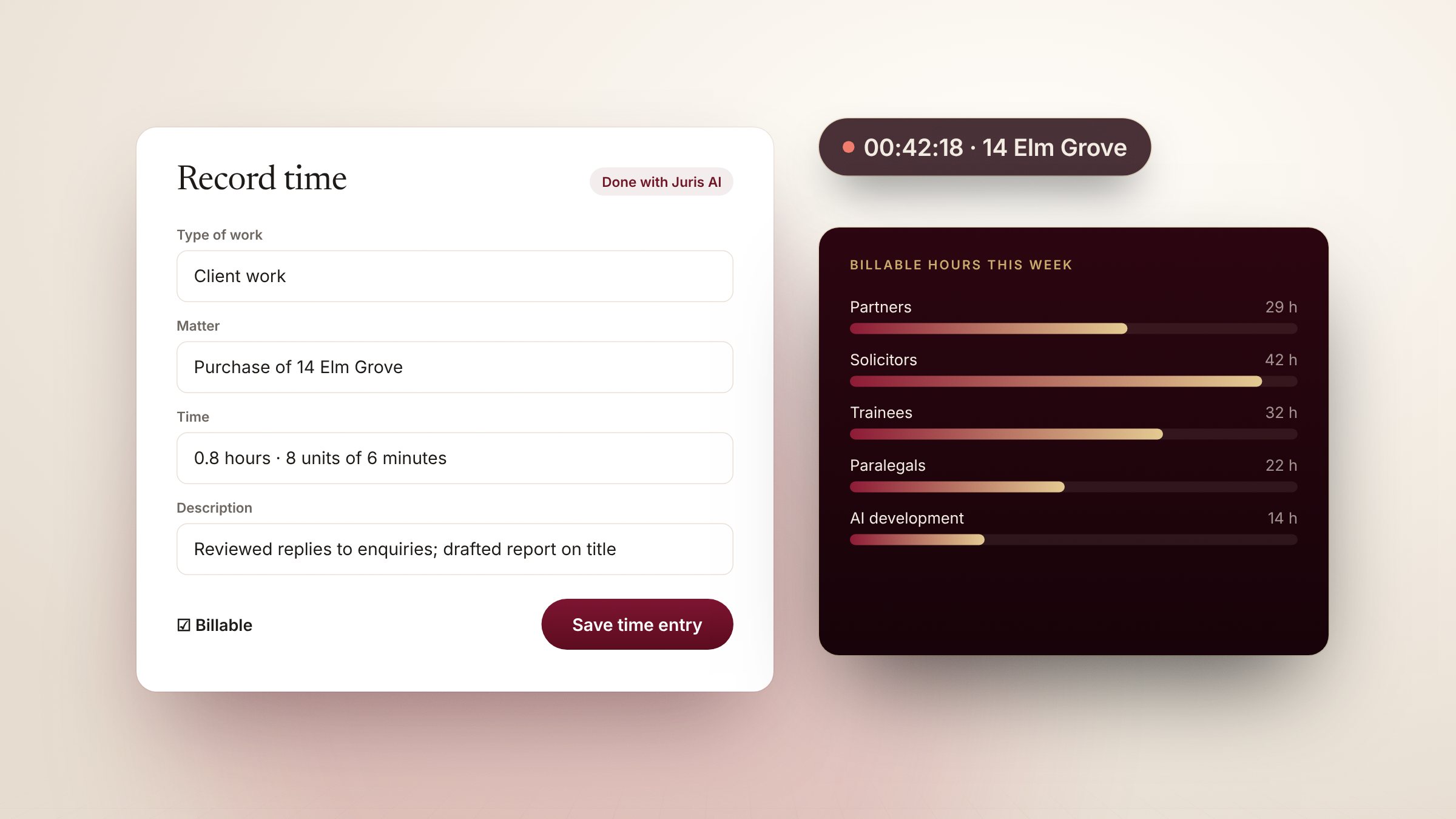
Start a timer in a chat's header, a matter or the dock; one live timer per person across tabs.
Work done with Juris is still work for a client. Time recording lives where the work happens, so it isn't reconstructed at the end of the week.
Start, pause, record
Press Start timer in a chat or a matter. Leave for fifteen minutes and JurisOne asks whether to keep or remove the time away. Stop, and Record time opens with the type of work, the matter, the time rounded to your firm's units and a description drafted from the chat.
Billable hours, by role
The Time page shows your billable and non-billable time and what is waiting for approval. Firm admins and partners also see billable hours across the firm — by partner, solicitor, trainee and paralegal, and by person — including time spent developing the firm's AI, and can approve entries.