
Juris Finds the Next Task Before You Ask
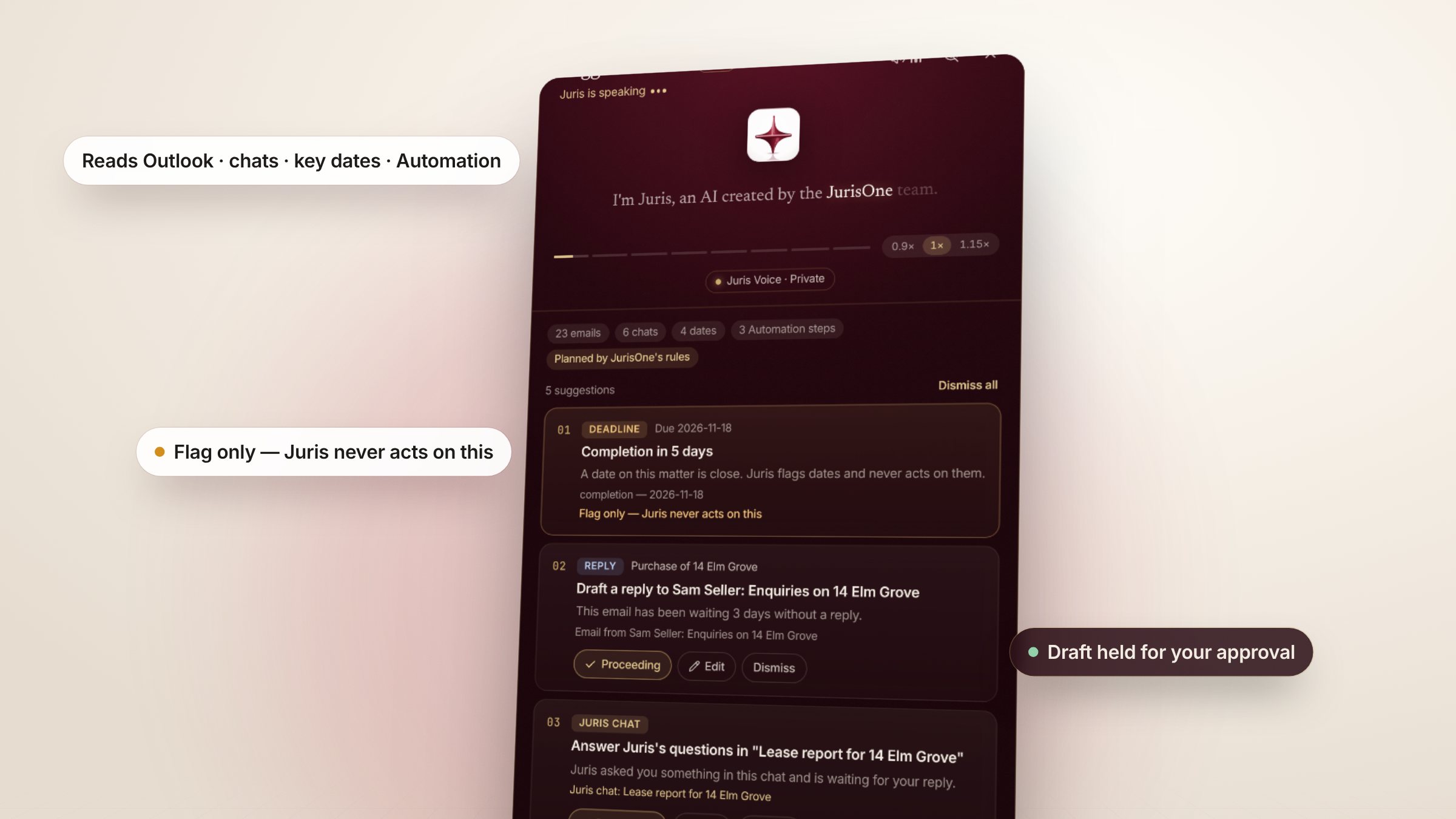
Juris reads four sources: unanswered Outlook email, your Juris chats, key dates and Automation steps.
A blank chat box waits for you to know what to ask. Most mornings, the hard part is knowing what needs doing. Suggested tasks starts from the other end: Juris looks at what is waiting and tells you.
What Juris reads
When you press Suggest tasks, Juris reads, for you alone:
- Outlook
- Emails waiting for a reply — and how long they have waited.
- Juris chats
- Chats where Juris asked you something and is still waiting.
- Key dates
- Dates coming up on your matters and the firm's calendar.
- Automation
- Matter steps that are due or overdue.
Every suggestion is checked before you see it
Juris proposes; JurisOne checks. A suggestion must cite a source it actually read, stay on the same matter and never point at a date in the past. Anything touching an undertaking, completion monies, bank details or a court date becomes a flag for you to check — Juris won't act on it, and the database refuses it too.
You decide, Juris drafts
Proceed, Edit — tell Juris what to change — or Dismiss each card, then Proceed all. Juris drafts the chosen tasks while you watch. Replies go into Outlook Drafts; every draft is held in Supervised Review for a Named Authorised Individual. Every step is written to a hash-chained audit trail.